


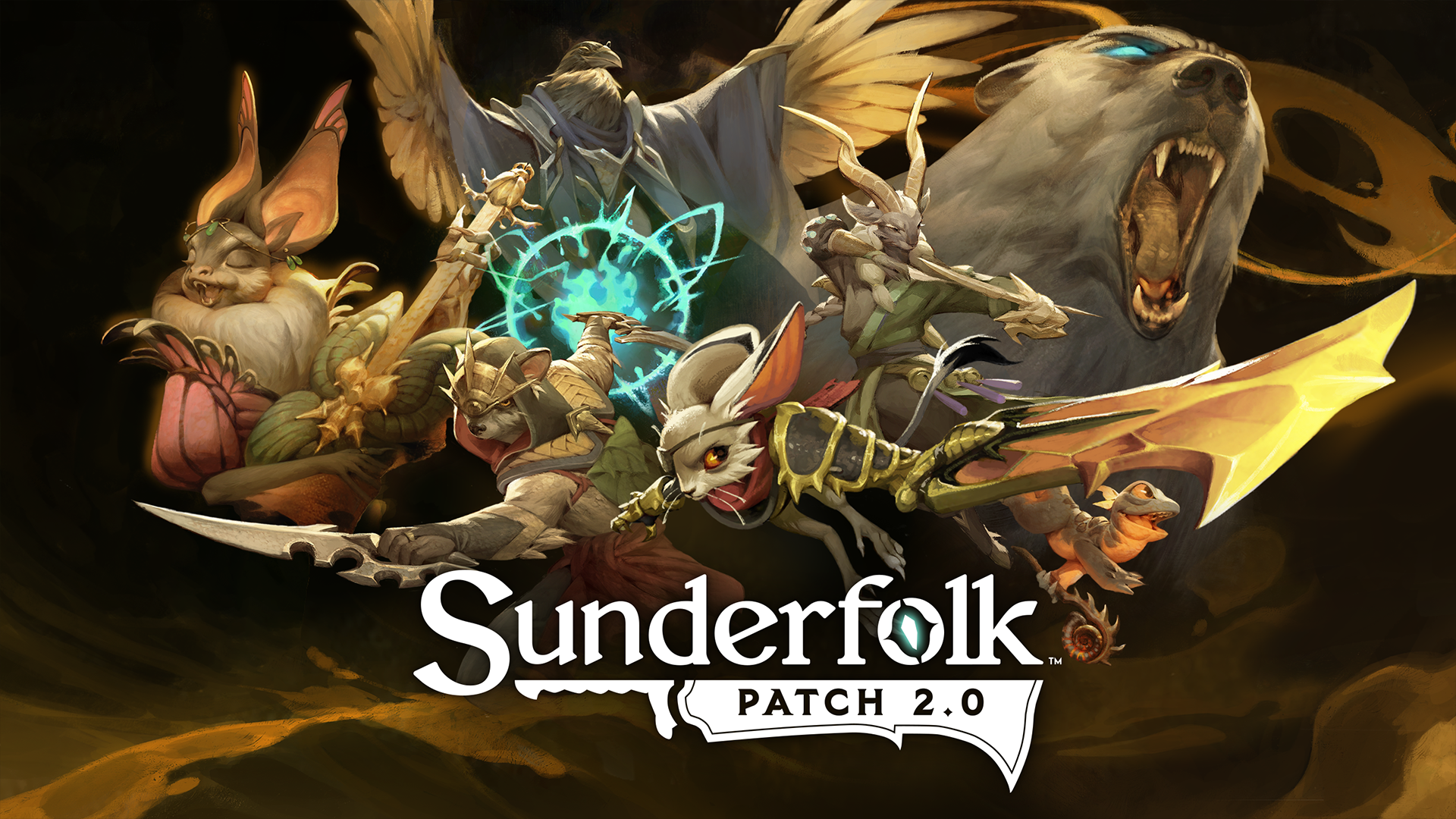
Hey Guardians!
Patch 2.0 has arrived, with mouse & keyboard controls, PC Online Multiplayer, a new Hero, new missions, and bug fixes.
For details on each of the new additions, click HERE!

What’s New in Sunderfolk
Now introducing Mouse & Keyboard Controls - A popular community request is now officially implemented.
- PC ONLY: Players can now play Sunderfolk directly on their computer using mouse and keyboard controls. No Sunderfolk Controller app required.
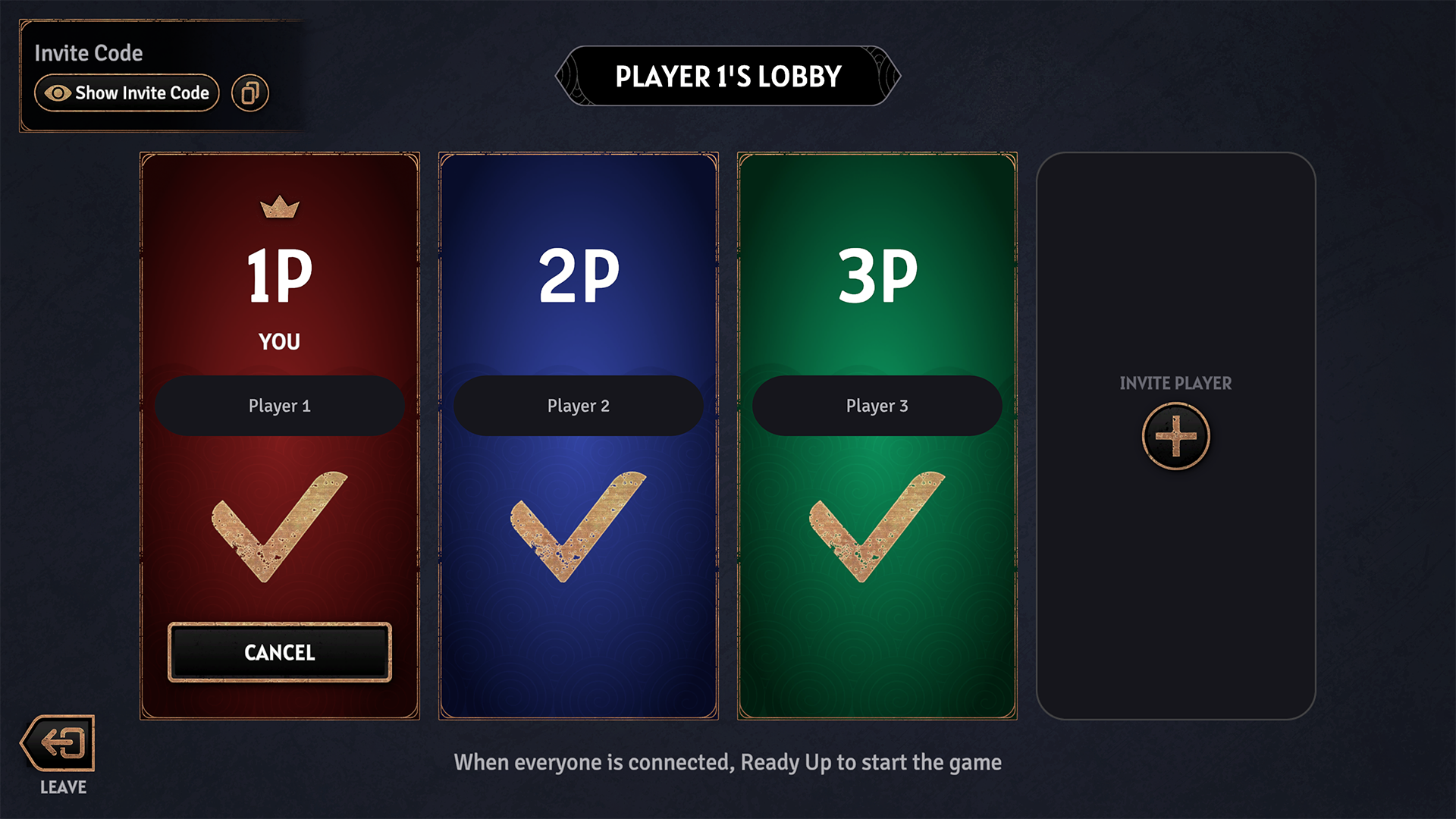
PC Online Multiplayer - A new way to play with friends and have more control over your main screen.
- PC players can now play native online multiplayer games by hosting a lobby directly from the Sunderfolk menu.
- Hosts can invite other PC players with an invite code after selecting “Online Multiplayer”.
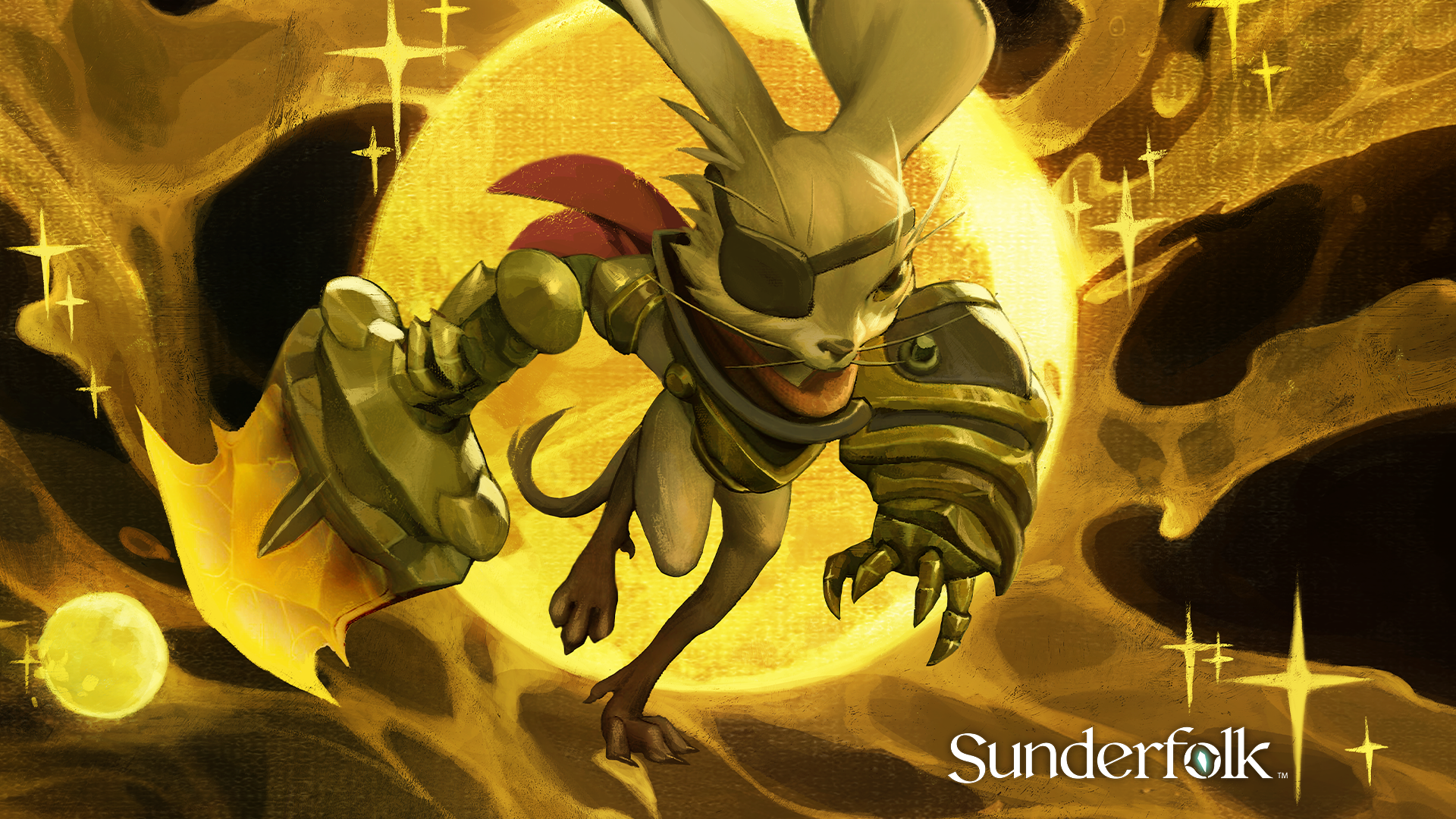
New Hero: Vanguard - A new Hero has been added to the main roster.
- The Vanguard joins the Guardians as a new Hero of Arden. This Hero focuses on retaliatory attacks and movement on the battlefield.
- New mechanic: Knockback
- Target character is Moved a number of hexes equal to the value stated on the Skill or Fate Card from the origin of their Knockback. Affected character Pushes or Swaps characters in their path, and may damage them.
- For more details on the Vanguard, read HERE.
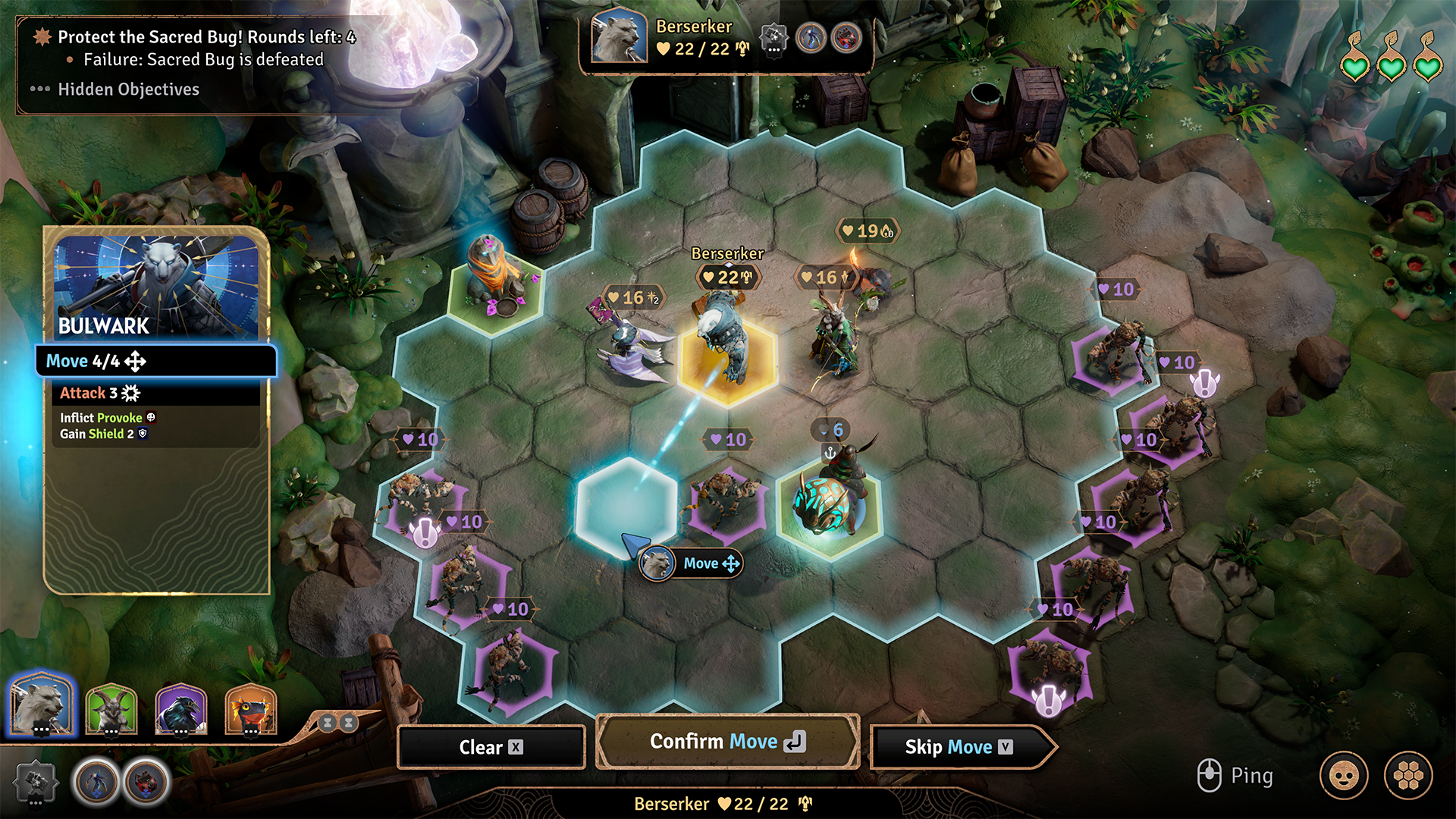
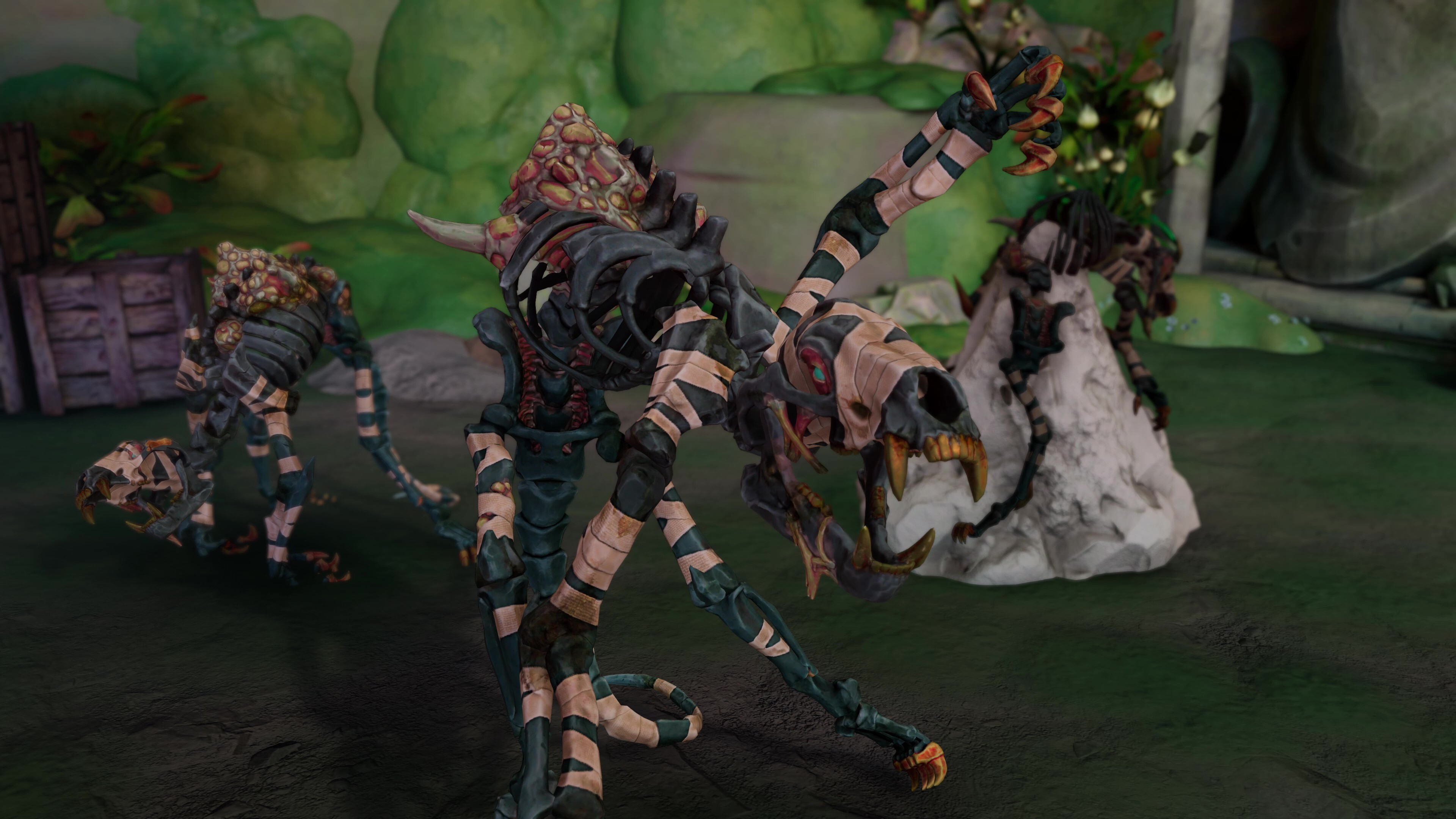
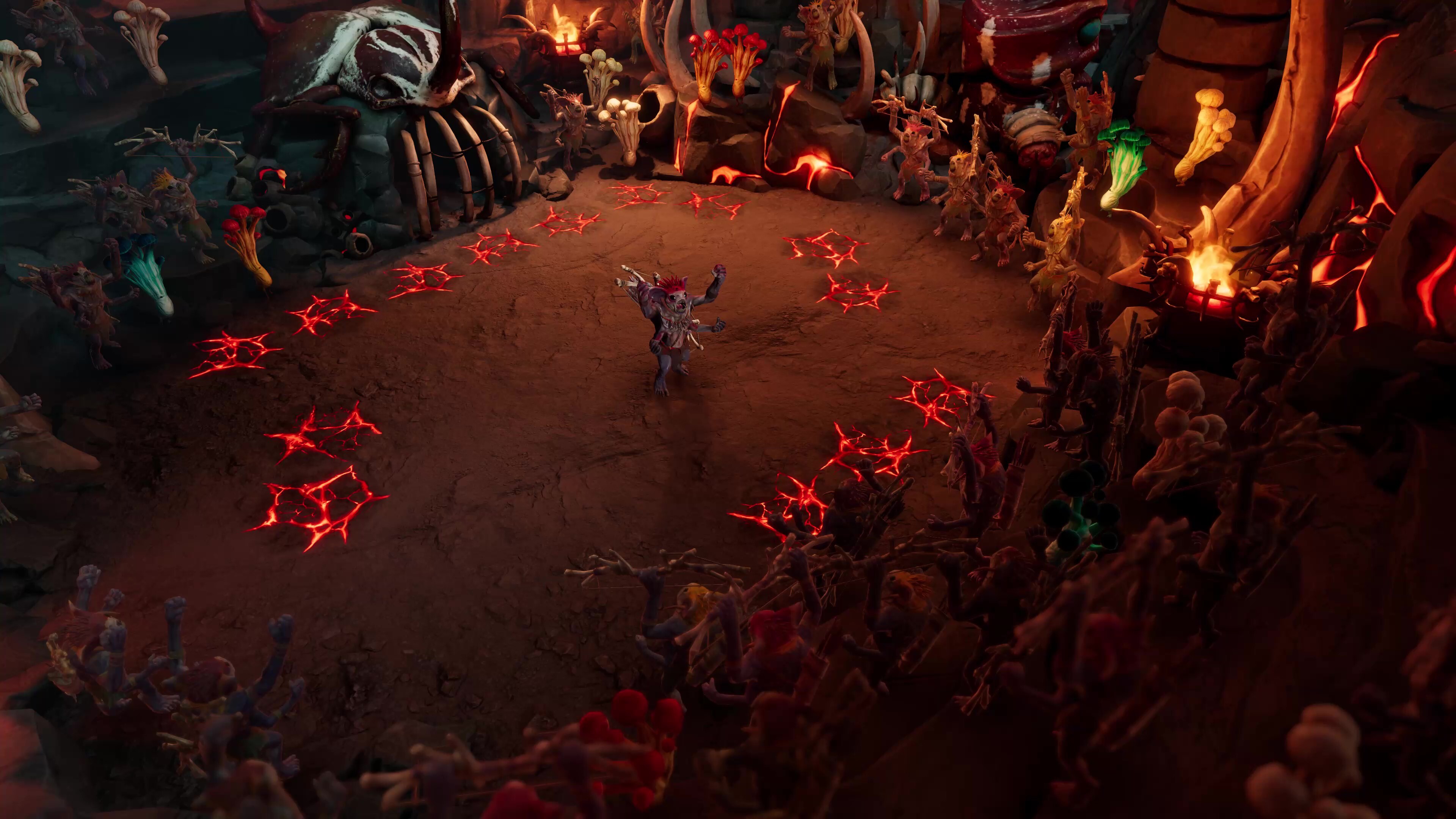
New Missions: Arena Rumble & Sacred Sand - New Scenarios have been added to One Shot Mode.
- Scenarios contain multiple missions that connect as a continuous experience.
- To learn more about the new missions, read HERE.

General Bug & Issues Fixes
Main Screen / UI
- Main menu update. Now includes options for Single Player, Online Multiplayer, and Couch Co-op Play Modes.
- Couch Co-op Mode may be used for remote play using the Sunderfolk Controller app.
- Fixed an issue where the Spell Card UI failed to be displayed on the Main Screen when quickly selecting a card after a Boss turn.
- Invalid campaigns can no longer be selected in the Choose Campaign menu.
- Fixed an issue where players were unable to upgrade certain Buildings if other upgrades were completed before the Workshop was ready to create the necessary Trinkets.
- Removed an empty vignette that was displayed on the Main Screen at the end of the credits screen.
- Fixed an issue where the “Town” menu was skipped when loading a save file left in Town after quitting the game.
- Fixed an issue where a softlock would occur after opening the “Shared Settings” at the same time as a Weapon was being energized.
- Wurmsbait will no longer perform a T-pose when being healed in the mission “Wurmsbait’s Mischief”. He’s since learned there are other ways of saying “Thank You”.
- The Arcanist’s Book will now play an animation while attacking with an equipped weapon.
- The ally Oozling is now immortal when playing in Brightstone difficulty.
- Fixed an issue with the mission “The Prophet’s Notes” to no longer automatically end in a Withdraw if the main screen is disconnected from the network at any point during the mission.
Personal Screen / UI
- Fixed an issue where the personal device for a player with multiple heroes in use would softlock when the “Exit to Hero Select” option is used during the level up screen.
Fate / Skill Cards
- Fixed an issue where the Arcanist’s “Bedazzle” could target and deal damage to other Heroes that lead to the game being softlocked.
- Fixed an issue where the Arcanist’s Fate Card “Deal 1 additional damage for each Mana you have” subtracted damage when their mana was under 10.
- Enemies will now be killed by the Fate Card “Execute target if they have less than 5 Health” while using the Bard’s “Join the Choir” Skill Card.
- Fixed an issue where the Elite Ogre enemy would deal more damage than expected with the “Throw 2 a random adjacent character” ability.
Equipment
- Fixed an issue where the “Cursed Eye” Trinket dealt inconsistent damage to debuffed enemies.
We always encourage more feedback and suggestions for future updates! The best places are on our socials and on our Discord server.
Thanks for playing, and we’ll see you in Arden.
The Sunderfolk Team


